
Column Pinning
Column pinning is one of my favorite LeadTables features when building and enriching lists, as it allows you to keep the data you want in front of your eyes, while still browsing the other stuff.
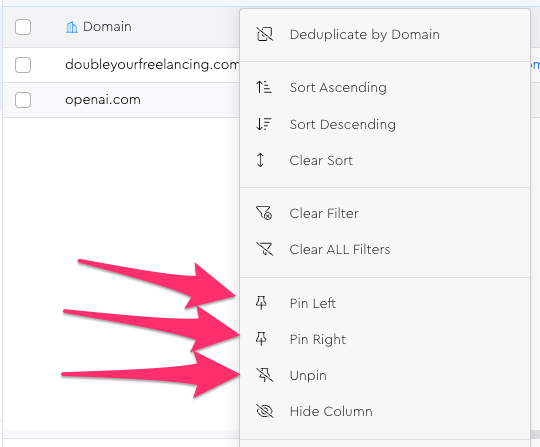
To pin a column, simply right-click its header (or use the “…” icon next to its header) and choose either “Pin Left” or “Pin Right.”
Notes & Tips:
You can “Unpin” columns if you don’t want them pinned anymore.
You can pin as many as you want left/right; no limit besides your screen size!
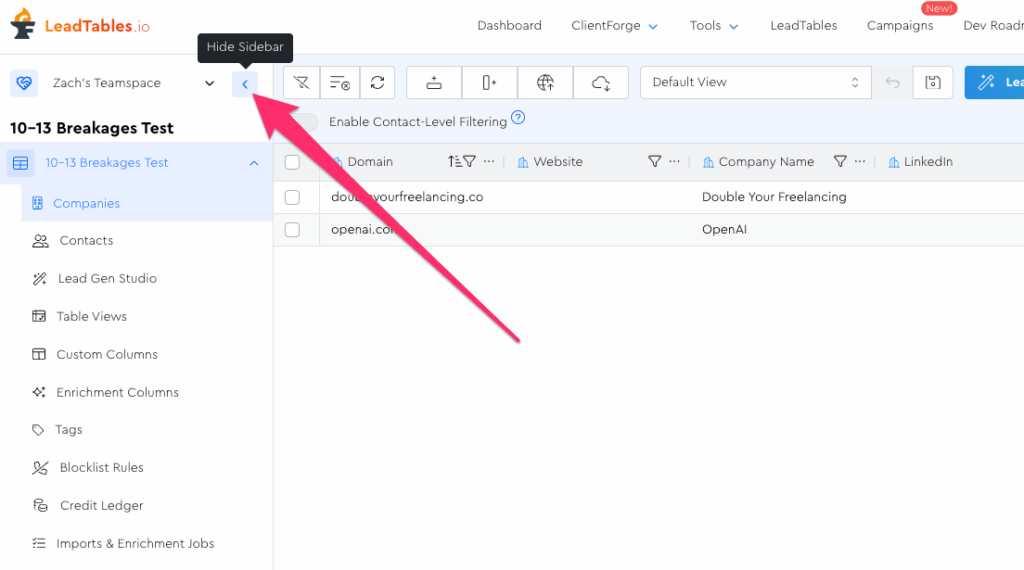
If you’re running out of horizontal space, you can hide the left-hand LeadTables sidebar with this arrow:
I almost always have domain/email pinned left when list-building.