
The Refresh Button
While LeadTables is still in its early days, sometimes the table state doesn’t refresh properly as data changes, comes in from the backend, etc.
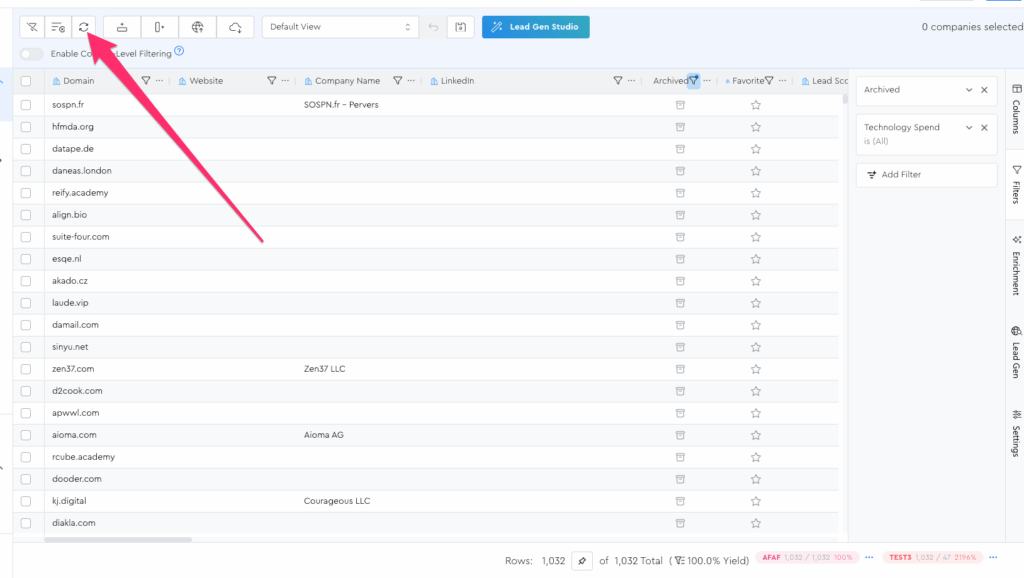
As a rule, if something ever looks weird/wrong with your table’s data, just click the refresh button:
Examples of weird/wrong things:
- Seemingly-wrong counts in the footer bar
- Seemingly-missing data
- Seemingly-not-updated data
- Seemingly-never-completed jobs
- Seemingly-never-started jobs
- etc.
And if that doesn’t work, you should refresh your whole browser tab in google chrome or whatever.
And if THAT doesn’t work, you should email us and report the bug. 🙂