Selecting Rows For Actions (”Specific,” “All,” “All Except”)
For selecting rows to apply actions to, there are 3 selection modes:
- Select Specific
- Select All
- Select All Except
Select Specific
This is the most obvious mode. Just check the boxes next to leads individually to select them.
You can also click one checkbox, hold shift, and click another to select all leads in the range.
Select All
If you click the top left checkmark, you will select all items in the table matching your current filters — including ones that are not currently visible.
You can tell this has happened because you’ll see the “All filtered xyz selected” badge.
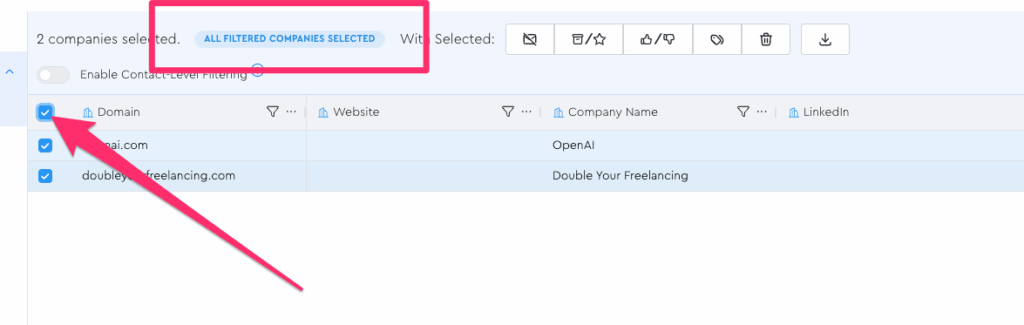
So if you have 10,000 leads that match your current filters, but only 50 are visible in your grid right now, if you click select all and then delete them, it’s not going to delete just the 50 leads currently visible; it’s going to delete all 10,000.
Select All Except
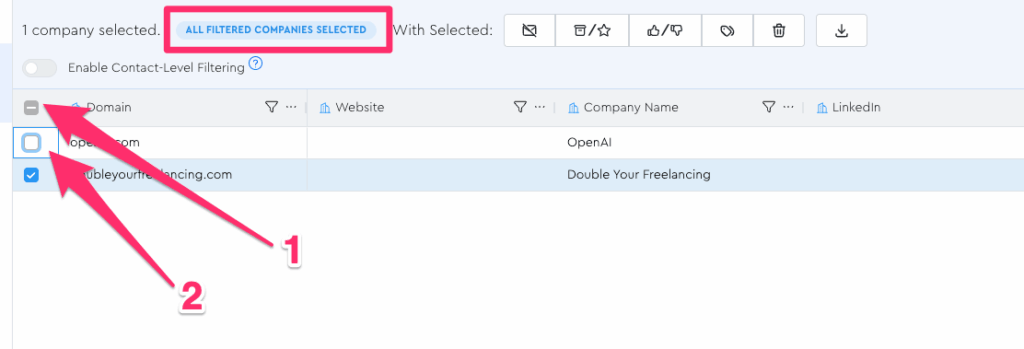
If you do the “select all mode” checkbox and then check an individual item (/items), it will apply your action to everyone matching current filters except for the unchecked ones.
IMPORTANT NOTE For “Select All” Modes
Note that the displayed number of selected companies is NOT the source of truth in “select all” modes.
Sometimes, e.g. if you have a lead gen job running, the counts displayed in the table don’t reflect reality while they sync.
So be sure you make your decisions around “this is going to happen to EVERYONE matching my current filters, even ones I don’t see” moreso than the specific count of leads you see / see reported to you.
Real-World Example:
There’s a bug I should probably squash that I can at least use to illustrate this.
Let’s say I first select all 2 leads:
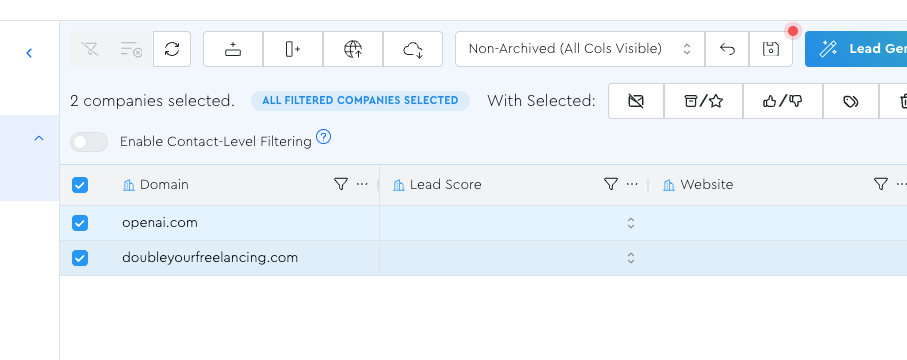
Then I filter by “contains openai”
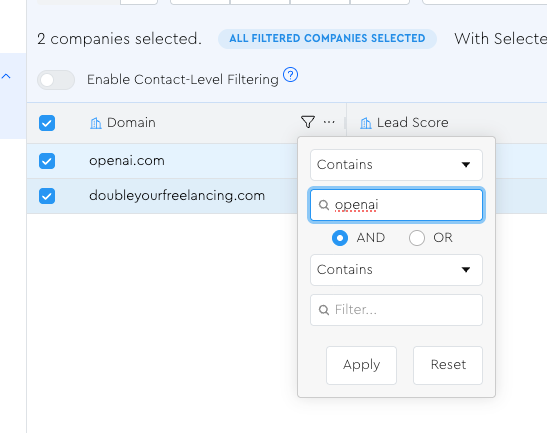
Once I’ve done that, the count at the top still says “2 companies selected,” even though our new filters mean only 1 is in the result set.
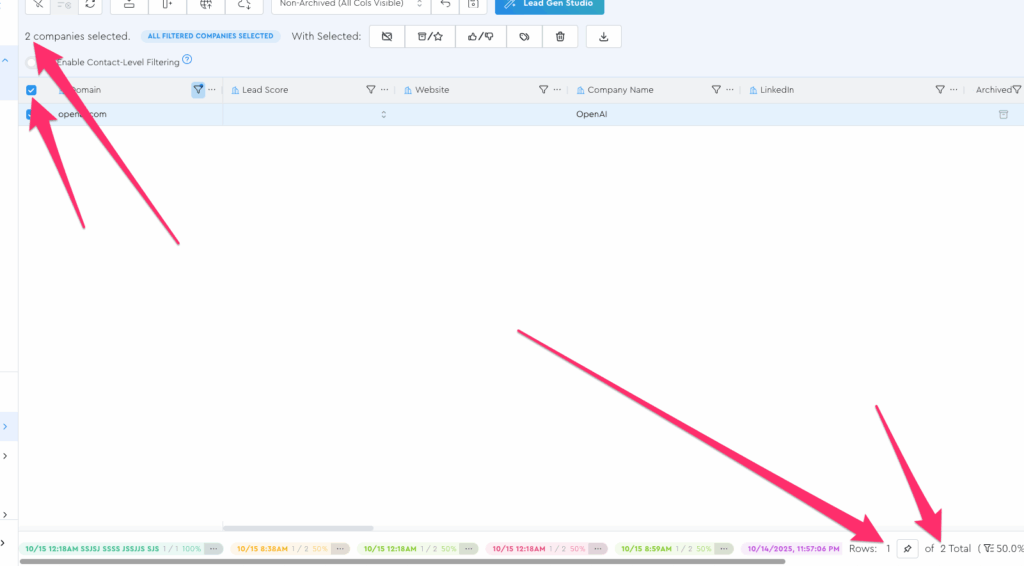
If I were to not change that selection state at all, and right now apply a “Lead Score” to the selected leads, who do you think it would get applied to, based on what you learned on this page?
(And remember, I said to install the mental model of “this is going to happen to EVERYONE matching my current filters, even ones I don’t see reflected in the current count”)
If you said “only openai” you were right.
We can test by applying this lead score without changing the selection state:
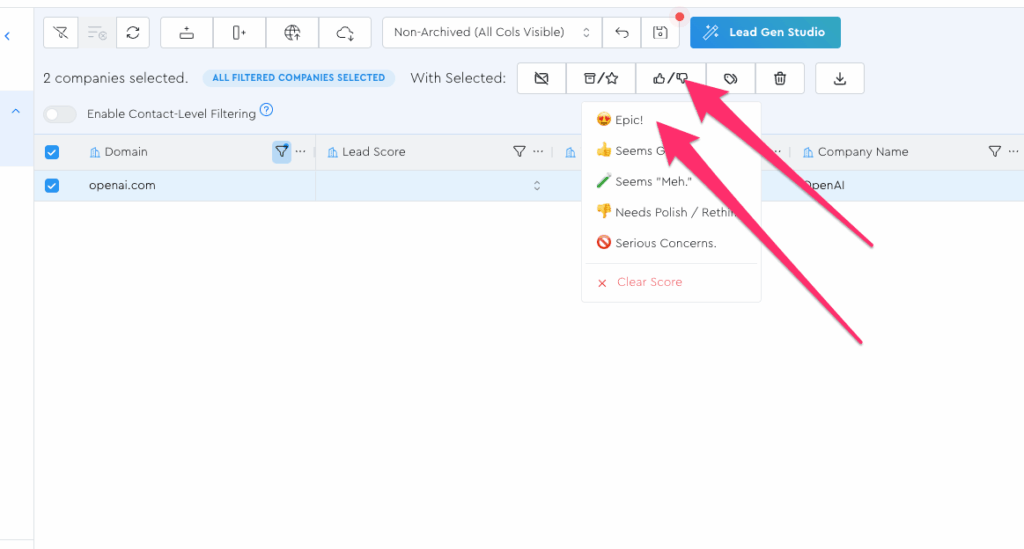
Then clearing all filters:
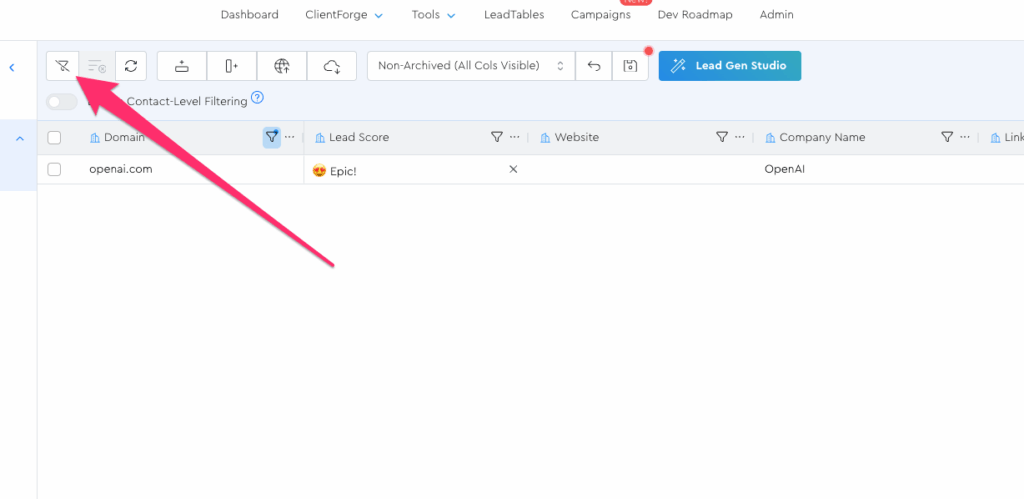
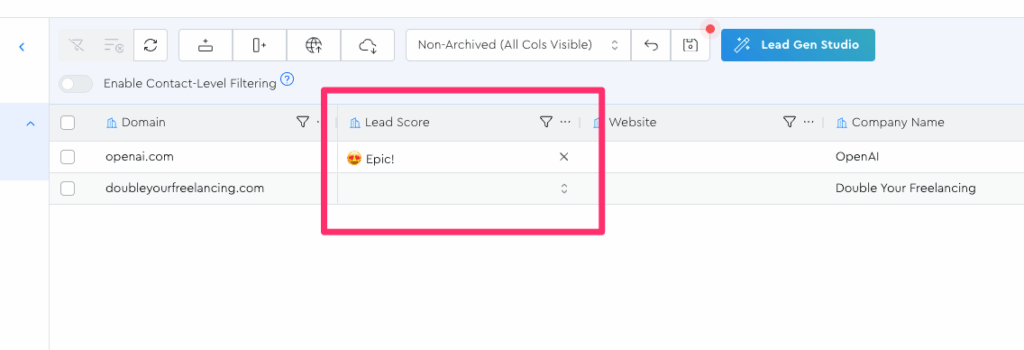
Et voilà; only openai got the lead score, because only openai matched the filters that were set when we applied the lead score: