
How Data Module Mappings Work
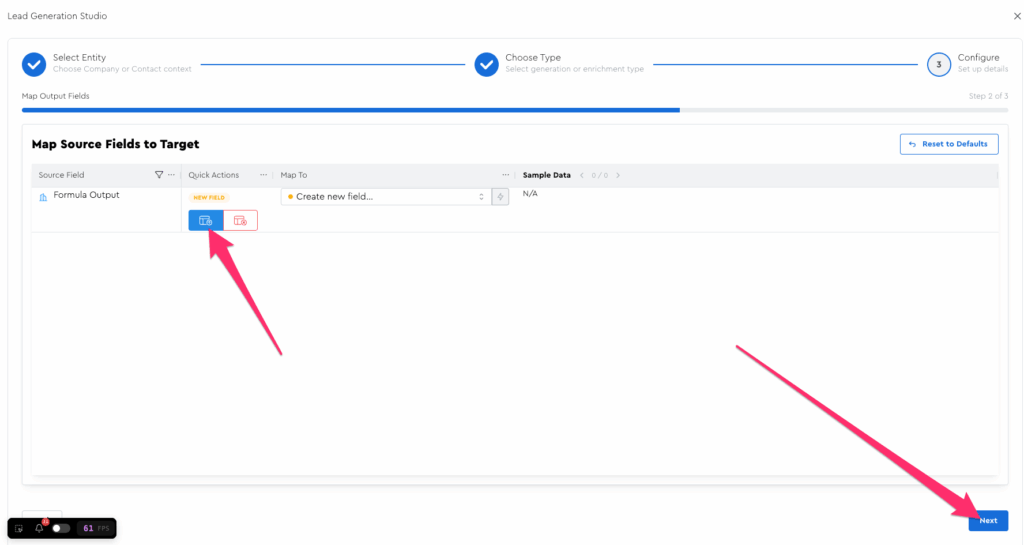
Mappings & Finalization for Data Modules are pretty much exactly the same as for spreadsheet uploads, so you can refer to the earlier “Importing Your Leads” module if you forgot how that all works.
For now, let’s map this to a new field, then click “Next”
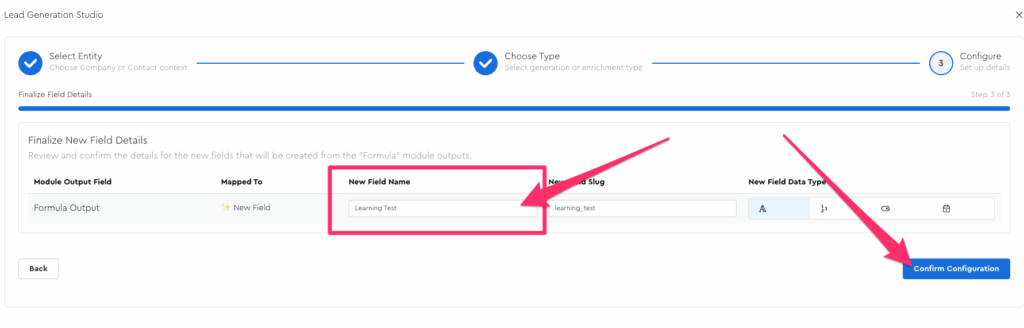
On the finalization step, call this output column “Learning Test” then click Confirm Configuration:
It should take you to your LeadTable with the Data Module open and flash some of the relevant columns:
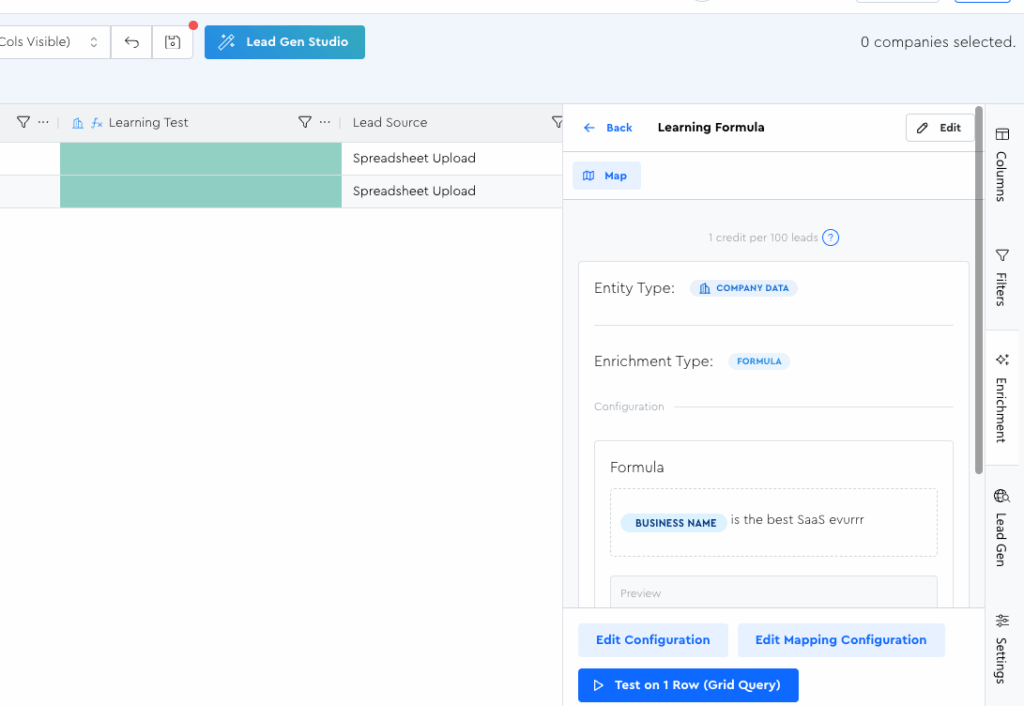
Congrats, you’ve officially created your first Data Module!
In the upcoming lessons, you’ll learn how to work with it, test it, and run it for your leads.