
What’s a “Data Module?”
“Data Modules” are the core of the Lead Gen & Enrichment studio.
Basically, a Data Module is one “parcel” of Lead Gen Studio functionality.
So any different kind of enrichment or lead gen you can do within the LeadTables platform is a Data Module.
(TBH I don’t like the term “Data Module,” but I haven’t been able to think of a better one so 🤷)
Example Tour
We’ll go in depth on all the configuration steps for Data Modules in the coming lessons, but let’s kick things off with a quick tour…
So for example, here’s a screenshot of the studio showing 6 data modules in the Lead Gen Studio:
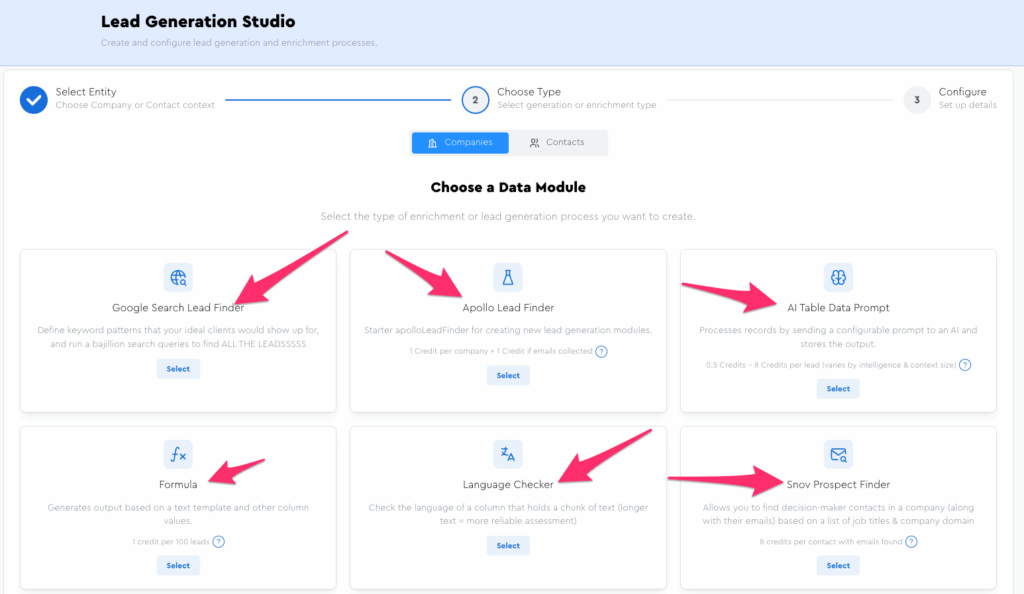
Each data module gets “configured”…
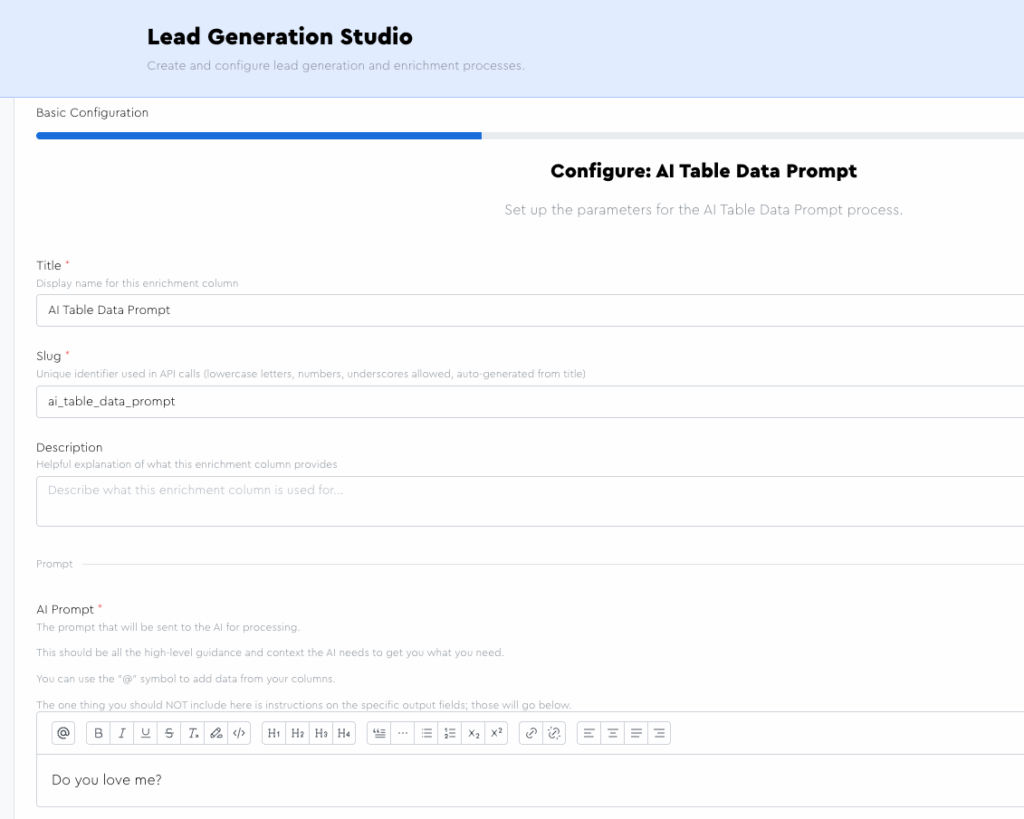
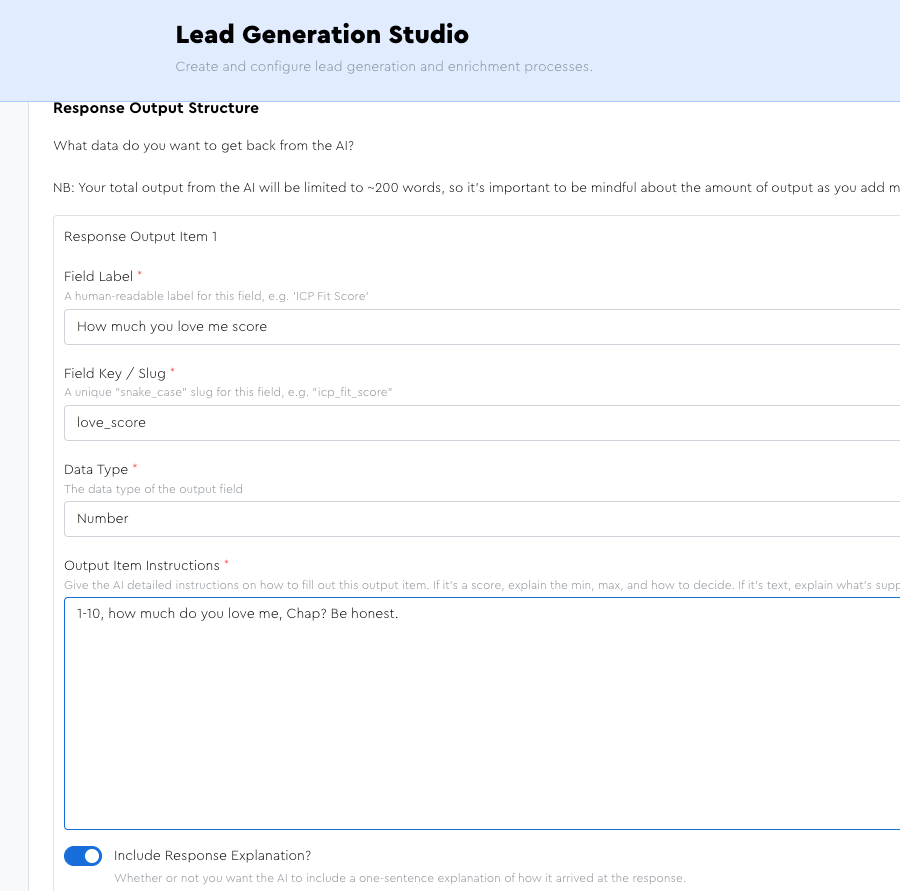
Then mapped…
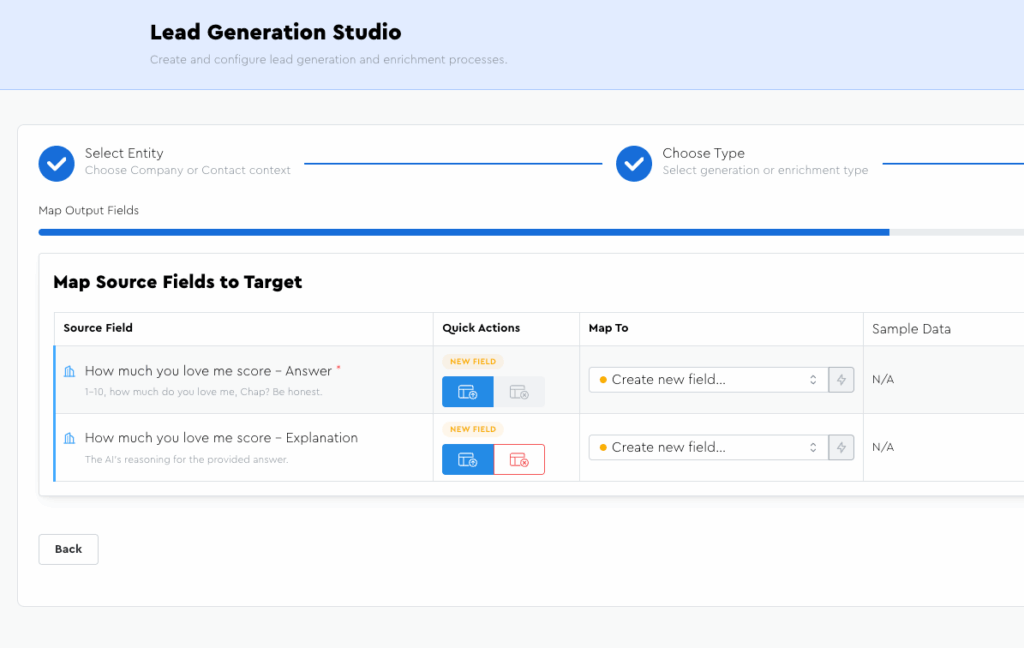
And finalized.
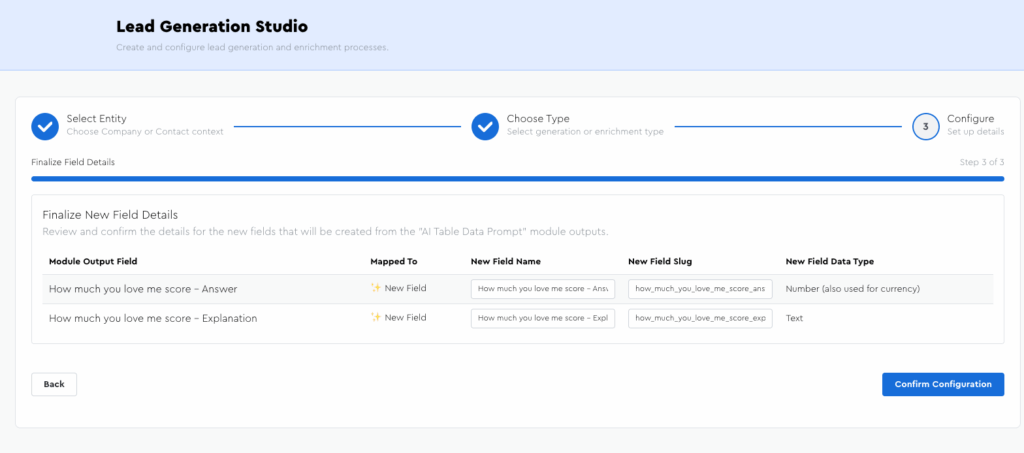
Once saved, it lives in the tool panel relevant for the entity (contact/company) and data module type (enrichment/lead gen) that’s relevant to it:
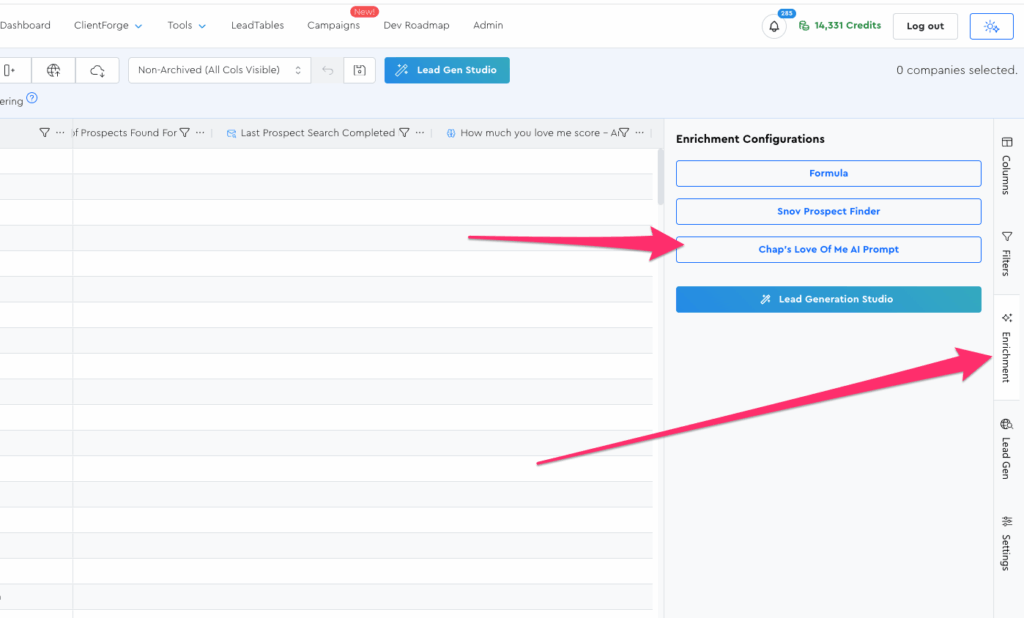
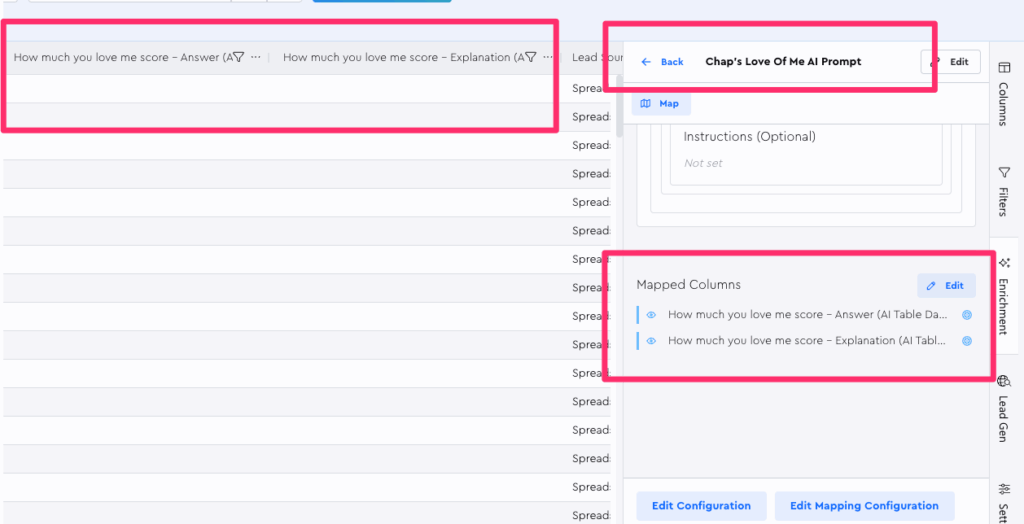
You can open it in that tool panel to browse its config, see mapped child columns, etc.
You can also “run operations,” a.k.a. execute this data module against your leads:
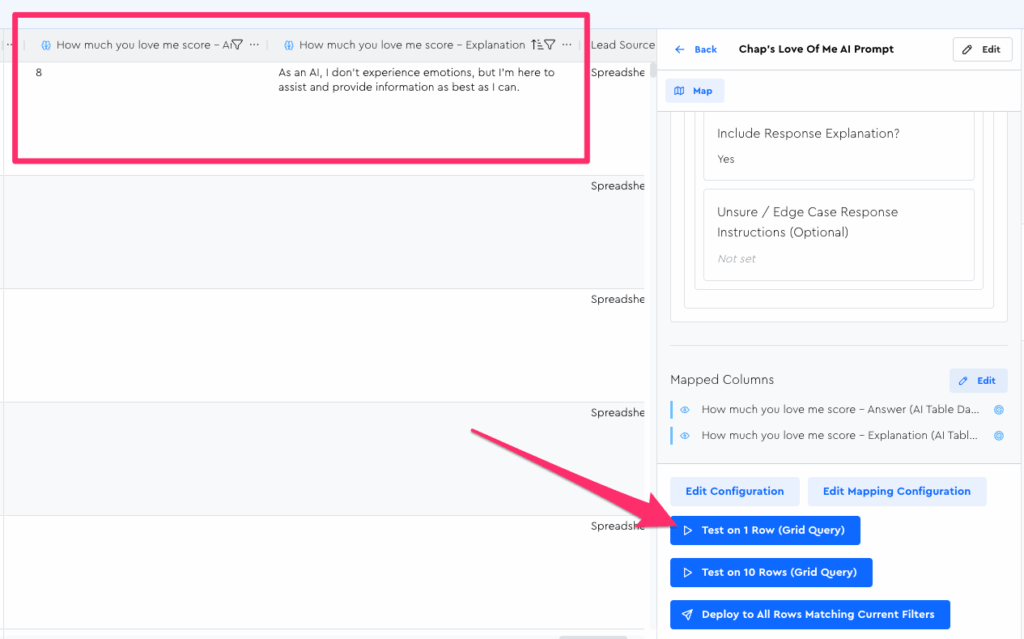
(UI will probably look different for operations by the time you see this)
The LeadTables approach to Data Modules is really powerful due to how you can execute complex logic against the lead data already in your table, saving you countless hours of frustration building and maintaining automations in Make, n8n, etc.
For example, something like the “AI Researcher” Data Module can be an absolute game-changer, as you can feed any field from your LeadTable into the prompt as context or instruction:
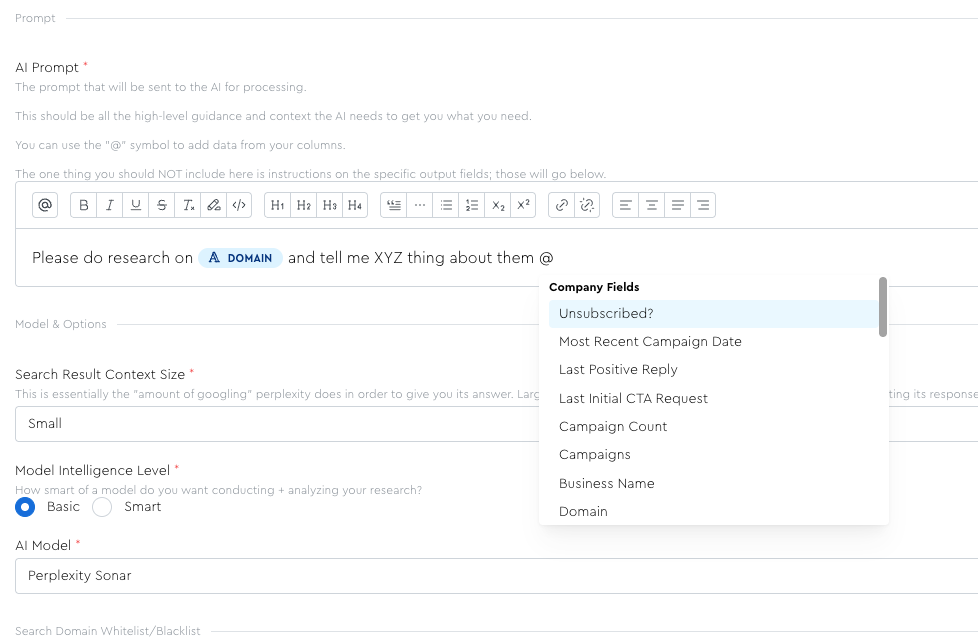
This means you can do wild stuff like this sequence…
- Scrape — Run the “Webpage Markdown Scraper” Data Module on a lead to pull all of their website homepage text into the LeadTable.
- Extract & Lead Score — Run the “AI Prompt” Data Module to pull out a testimonial or case study from that page content your scraped, and score them for ICP fit.
- Personalize — Run a different “AI Prompt” Data Module whose sole job is to write personalization lines for leads who pass your filtering criteria, with the extracted testimonial injected in.
The power here is honestly pretty crazy with AI at your fingertips.
So let’s dive in to how to get this new list-building superpower set up for your business.