
Pandamatch
Recommended Usage:
Use it as a raw lead source that you run through a modular ICP filtering & enrichment chain.
I like to do this…
- Pandamatch — 250 footprint score (FPS) minimum
- Apify Similarweb Scraper for traffic (I like the
curious_coder/similarweb-scraperone) - Perplexity AI Automation to check if they’re indeed my ICP + create my personalization
Overview:
Here’s the result of the 2/6/25 exploration I did of Pandamatch:
Things I Figured Out
How their pricing works:
- Each search costs 1 search credit, as expected
- You do indeed get 25k exports, but can only export 2k at a time
- Exporting a search’s results also costs 1 search credit
- Each page of search results you view (but don’t export) costs you credits for the amount of records you viewed (so 10 credits per page you view)
- IMPORTANT BUGISH THING: You get charged by “max records” for a given export, so if you set it to 2,000, it will charge you for 2,000 even if the thing only has 500
- https://www.loom.com/share/b448f966e9b54cfc9f31cdad50ee7c68
- Workaround right now is when choosing your max, just type in this number; it seems to be accurate for smaller ones exports)
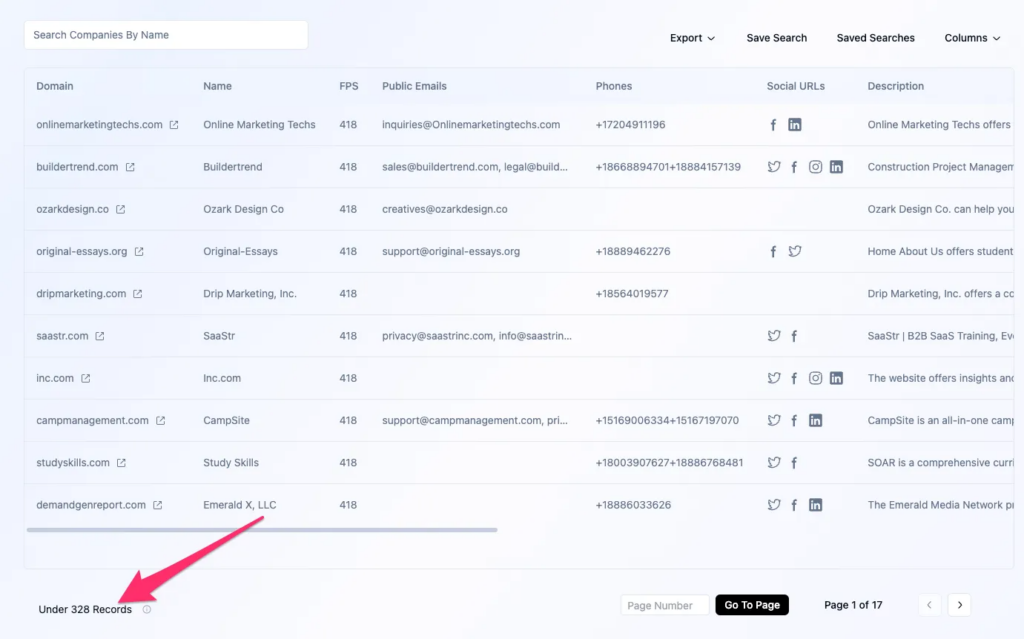
- How to maximize record exports within the lowest pricing tier:
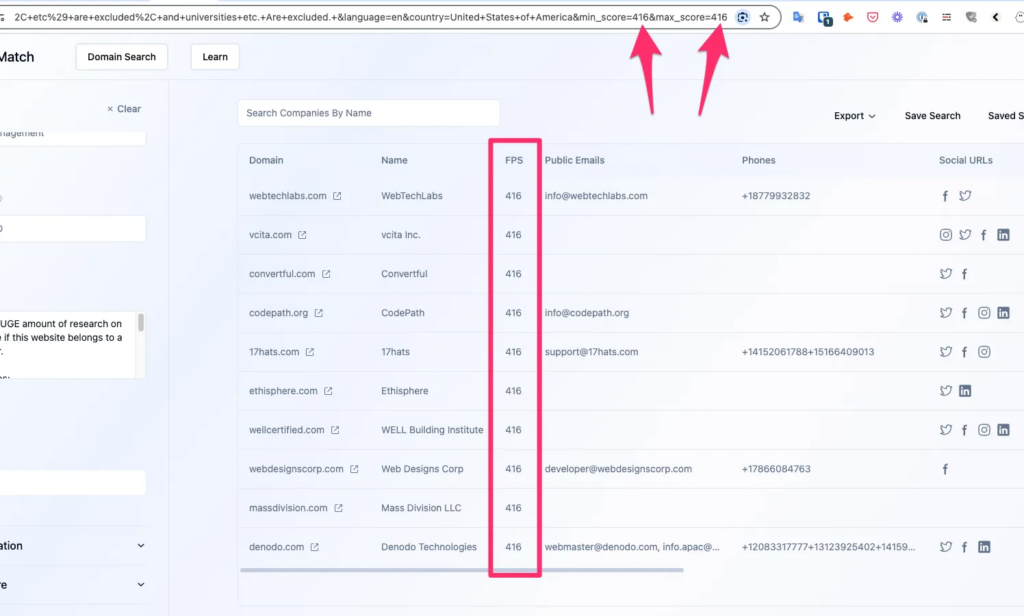
- Since it caps the records per search, you can use the minimum and maximum footprint to create “brackets” of 2,000 within a broader search, and export them piece by piece
- There’s no way to exclude previously-scraped URLs from future searches
- I addressed this by trying to get a really broad result set and then iterating through it with the FPS score (see tips below)
- There is indeed a positive correlation between high FPS scores and higher website traffic
Tips
- Your searches need to yield a minimum average of 500 results in order for you to not run out of search credits before you run out of export credits (and we want to run out of export credits first to get our money’s worth) because each search + export costs you 2 credits.
- Save your URLs of the search to easily repeat them with a slight tweak like the bracketed parameter
- Iterate through FPS as your way of not re-exporting (and paying credits for!) the same leads
- Be sure to make the new minimum 1 higher than the previous maximum
- When exporting with the “FPS Iterating” approach above, when choosing your max, be sure to type in this number as your max rather than 2000 because it charges you for the max you set rather than for what amount of leads it finds (learned this one the hard way)
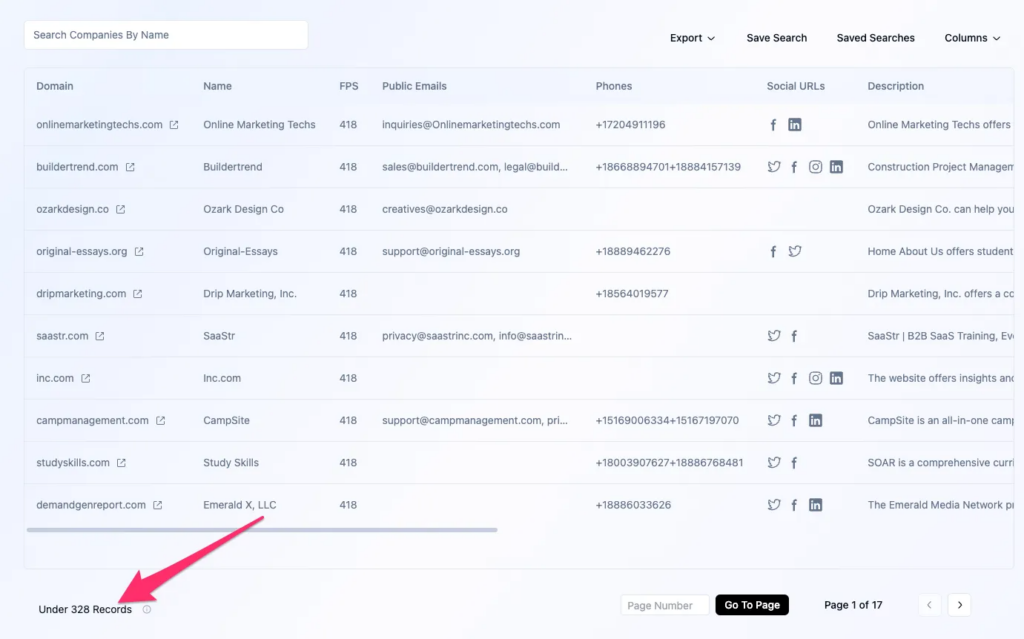
- See my notes below for the traffic yields that corresponded to different FPS scores
- For Conversion Wizard course creator clients, my FPS sweet spot seemed to be in the 250-600 area for “ballerness” first-pass filtering
- You can adjust things in the URL that you can’t adjust in the UI, e.g…
Experiment Log
You can view the full experiment log in my notes in Notion — there’s a LOT of juicy goodness in there about CPLs, yields, searches I tried, etc.